
A flight booking engine that compares suppliers for you
Search runs across every flight supplier you connect, merges the results and shows the cheapest fare for each itinerary, with your markup applied per channel.
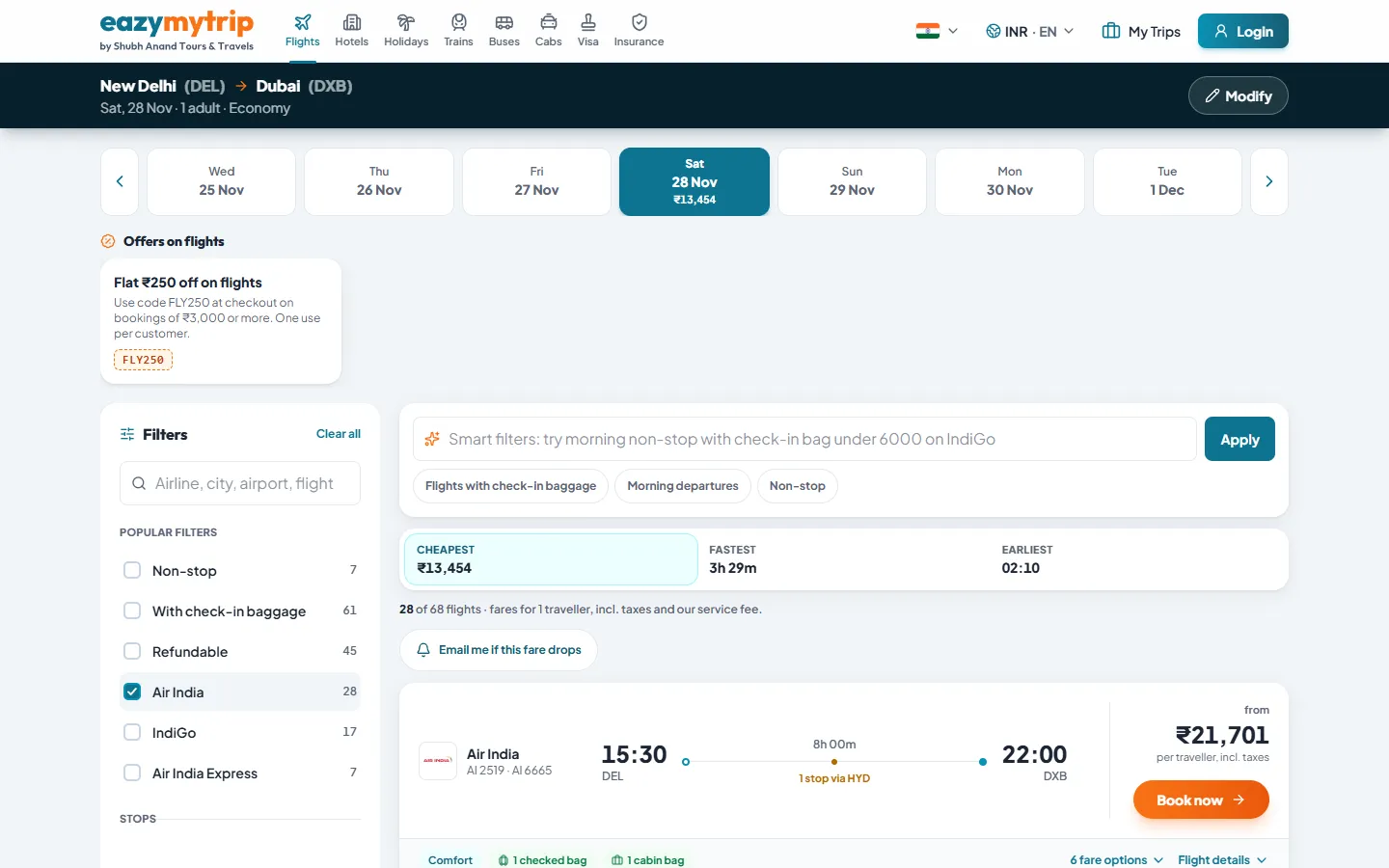
Live flight results with filters and fare options. Real screenshot, not a mock-up.
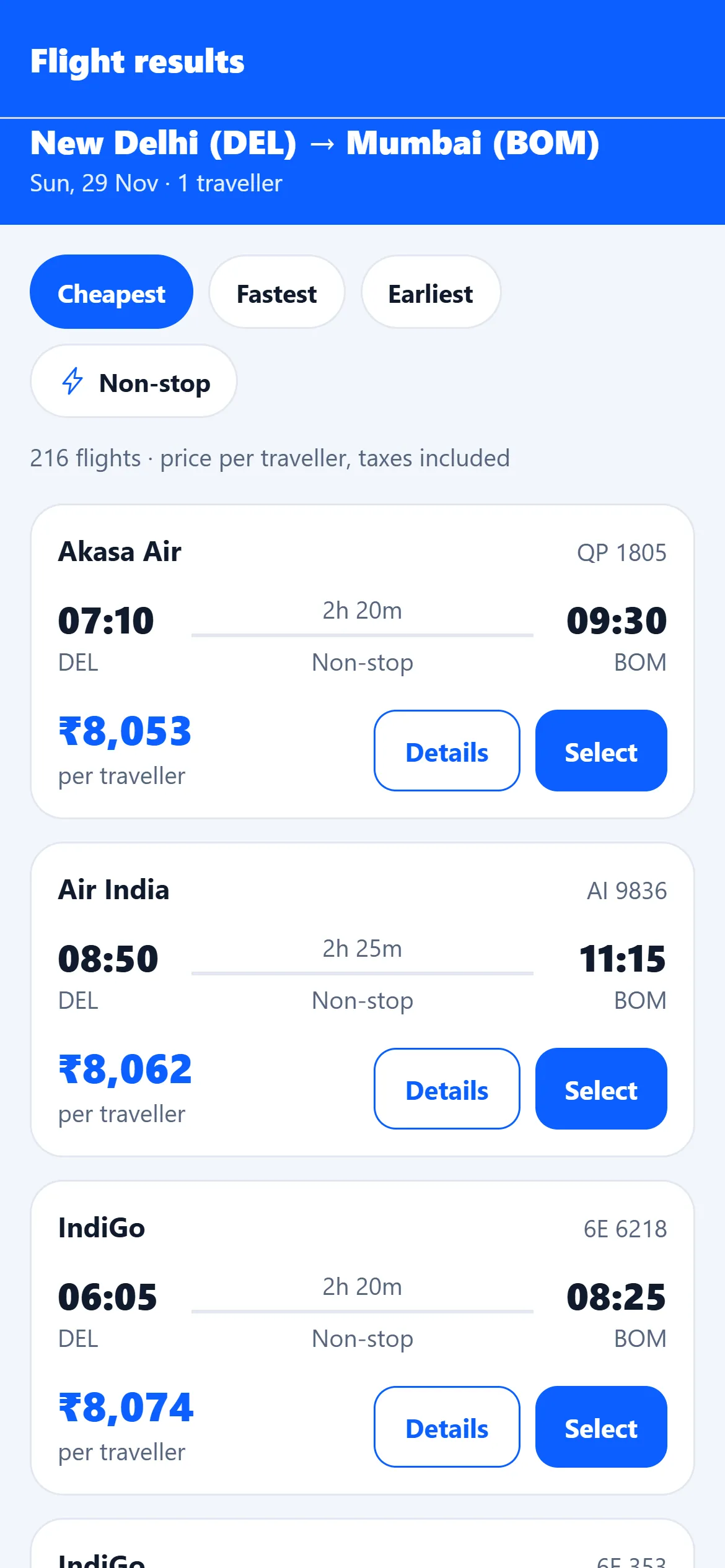
Search and results
Two live flight suppliers
Duffel and LiteAPI flights are wired into search, switchable in Admin > Suppliers. An Amadeus adapter exists but is search-only and not bookable.
Cheapest-fare merge
The same itinerary from several suppliers is shown once, at the lowest price found.
Filters and sorting
Stops, airlines, times, price and duration filters on the results page.
Fare rules and seat maps
Fare conditions and seat maps shown where the supplier returns them.
Recent searches
Travellers can repeat a recent search in one tap.
Flight status and route pages
Flight status pages and airline and route landing pages for search traffic.
From search to ticket
- 1
Search
The traveller searches; every enabled supplier is queried and results are merged.
- 2
Review and pay
Passenger details, fare rules and your markup, then payment through your configured gateways.
- 3
Issue the ticket
The supplier order is created when an admin presses Issue ticket, or automatically if you enable auto-ticketing for Duffel.
- 4
Confirm
The customer receives the confirmation by email and can see the trip in their account.
Margin control
Markups are set per channel (B2C website, B2B agents and partner API) and can be narrowed by route. Your agents see the B2B price after they sign in; your public site shows the B2C price.
Partners with an API key can query the public flight search API at /api/v1/flights/search, priced on the API channel.
- B2C, B2B and API channels
- Route-level rules
- Coupons applied at checkout
- Display currency per market
Frequently asked questions
Does ticketing happen automatically?
By default an admin issues the ticket from the booking screen after checking payment. Duffel auto-ticketing can be switched on with a single setting.
Can I add another flight supplier?
Yes. Suppliers sit behind a common provider interface, so a developer can add an adapter for a GDS or consolidator you have a contract with.
Do you handle refunds through the supplier?
Refunds are recorded in the admin. Gateway refunds and supplier cancellations are done in those dashboards; there is no automatic gateway refund.
Search real flights on the demo
Try the flight search on the reference site, then see the issuing screen in a guided demo.