
Travel reservation system for the whole booking lifecycle
Behind every search is a booking record that has to move cleanly from pending to paid to confirmed, and sometimes to cancelled and refunded. This page explains how Nodes Travels tracks it.
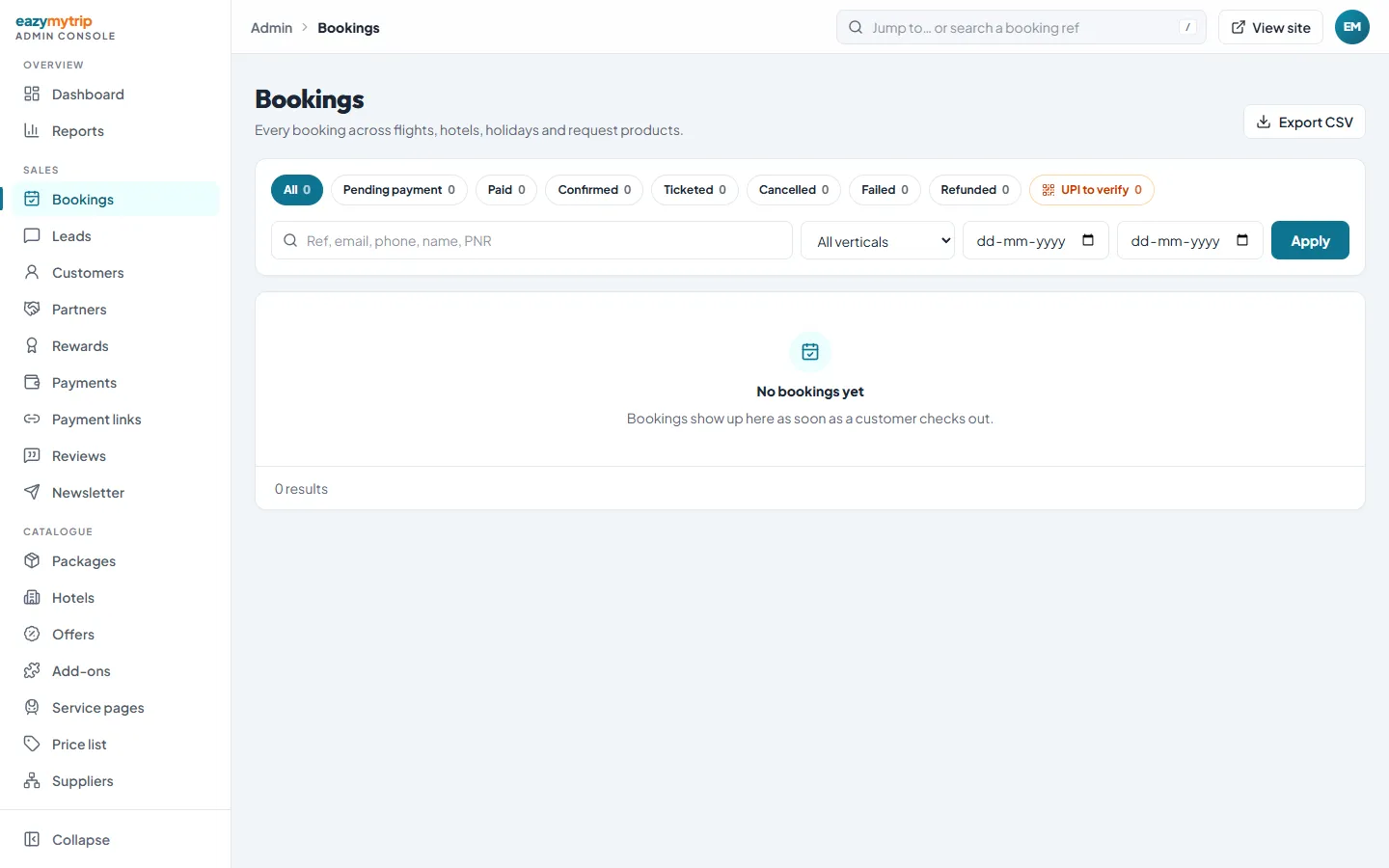
Real screenshot of the platform. Real screenshot, not a mock-up.
Booking statuses
| Status | Meaning |
|---|---|
| Pending payment | Created at checkout, waiting for payment |
| Paid | Payment received, not yet confirmed with the supplier |
| Confirmed | Supplier or your team has confirmed it |
| Ticketed | Flight ticket issued |
| Cancelled | Cancelled by you or the customer |
| Failed | Payment or supplier step failed |
| Refunded | Refund recorded in the admin |
How bookings are fulfilled
Manual or automatic ticketing
Flights can be issued from the admin with Issue ticket, or automatically once paid if you enable it.
Hotel confirmation modes
LiteAPI hotel bookings can confirm automatically after payment or wait for your review.
Agency-fulfilled products
Trains, buses, cabs and visas from the price list are confirmed by your team.
Notes on every booking
Payment events and wallet use are appended to the booking's notes automatically.
Handling a cancellation
- 1
Cancel with the supplier
Follow the supplier's cancellation terms through their channel.
- 2
Record the refund
Mark the booking refunded in the admin, to the original method or to the wallet.
- 3
Return the money
Card or UPI refunds are issued from your gateway dashboard; wallet refunds post instantly.
- 4
Customer is informed
Resend the booking email so the customer has the updated record.
Frequently asked questions
Can I stop people placing lots of fake bookings?
Yes. Booking caps, rate limits and optional CAPTCHA are built in.
Can bookings be exported?
Yes, to CSV from the bookings screen.
Can refunds go to the customer's wallet?
Yes, for bookings made from an account. Refunds can be recorded to the original method, to wallet credit or as a bank transfer.
Walk a booking through its lifecycle
We will create, pay, confirm and refund a test booking on the demo with you.